
How to Remove a Background from Any Image Without Photoshop (2025)
Step-by-step guide to removing image backgrounds in 2025 — without Photoshop, without uploading your photos, and without paying a cent.
A transparent PNG is an image file where the background pixels have an alpha channel set to fully transparent, so when you place the image over another background — a website header, a slide deck, a Figma mockup, a Photoshop composite — only the subject shows. VanishBG produces true 32-bit RGBA PNGs with clean alpha edges: no halos, no jagged outlines, no leftover color from the original background. The AI segmentation model runs entirely in your browser, so your image never gets uploaded, and the export preserves the full resolution of your input (no downscaling, no recompression artifacts). Drop any PNG, JPG, or WebP above and you'll get a transparent PNG back in seconds. You can also composite onto white, green, or a custom color if you need a flat background instead. Transparent PNGs are essential for logos, product cutouts used in marketing materials, sticker packs, emoji, Discord badges, Twitch overlays, and any design work where the subject needs to float over a variable background. VanishBG exports at any of 16 social-media presets or at your original dimensions, with all EXIF and metadata stripped for privacy.
Edge quality is where transparent exports usually fail — haloing, color fringing from the old background, and aliased stair-steps around hair. VanishBG's model outputs a per-pixel alpha mask, so semi-transparent areas like flyaway hair strands and soft shadows keep their natural gradient instead of being clipped to hard edges. The export is true 32-bit RGBA: every pixel carries red, green, blue, and alpha channels, which is what design tools expect when you drag the cutout into Figma, Canva, Photoshop, or a video editor. If you need a different size, choose any of the 16 social presets or enter custom dimensions — the subject is rescaled with high-quality filtering and the transform you set on the canvas is honored exactly at export resolution. Transparent backgrounds make your assets reusable everywhere: one cutout works on a light website, a dark slide, a printed poster, and a mobile app icon without regenerating anything.
Drag and drop a PNG, JPG, or WebP file onto the dropzone above. You can also paste from clipboard (Ctrl/Cmd+V), use the file picker, or take a photo on mobile.
VanishBG runs the AI segmentation model entirely in your browser. The first run downloads the model (30–60 s); after that, every cutout is instant and works offline.
Choose transparent, pure white, chroma green, neon green, or a custom color. Then pick an export preset — Instagram, YouTube, LinkedIn, Pinterest, or custom dimensions.
Export as PNG, JPG, or WebP. The filename follows the pattern vanishbg-{preset}-{w}x{h}.{ext}. On mobile, use the Share button to send directly to another app.
Built different — and built private.
No sign-up, no credits, no per-image limit. Every export — including full-resolution PNG — is unrestricted.
Images never leave your browser. The AI model runs locally via WebAssembly + WebGL. No uploads, no servers, no API.
Instagram post/portrait/story, Facebook post/cover, X post/header, YouTube thumbnail/shorts/banner, LinkedIn, Pinterest, WhatsApp — and custom W×H.
One tool covers every background need — marketplace white, chroma green for video, transparent for design, or any custom color.
Once the model is cached, VanishBG keeps working on flaky connections. Server-based tools fail when their queue is busy — we don't have a queue.
Full UI and content translation across English, Spanish, Portuguese, Hindi, Indonesian, German, French, and Japanese.
Touch-first editor, bottom-sheet panels, sticky Download bar. Tested on real mid-range Android and iOS Safari.
Keyboard-operable editor, aria-live status, focus-visible, WCAG AA contrast in both light and dark themes.
Amazon, Shopify, eBay, and Etsy all require pure-white main images. VanishBG produces compliant #FFFFFF backgrounds in seconds, with no upload of your unreleased inventory.
Cut yourself out and place on the required white background. Use Custom preset for your country's exact pixel dimensions.
Square cutouts for Instagram, WhatsApp, and LinkedIn profile photos. 500×500 and 1200×1200 presets ship free.
Composite yourself onto chroma green for YouTube thumbnails, Shorts covers, and video composites. No physical green screen needed.
Logos, stickers, overlays, Discord badges, Twitch panels — clean alpha-channel PNGs that float over any background.
Cut a chart, photo, or diagram out of its background and drop it cleanly into a slide deck without color clash.
Ideal for designers, marketers, and content creators who need clean transparent PNGs for logos, product cutouts, stickers, overlays, and composites.
Switch tools without losing your image
Background-removal guides, photo tips, and privacy explainers — no fluff.
Step-by-step guide to removing image backgrounds in 2025 — without Photoshop, without uploading your photos, and without paying a cent.
Amazon's main image rules explained — pure white background, minimum dimensions, no watermarks — and how to produce compliant photos in seconds.
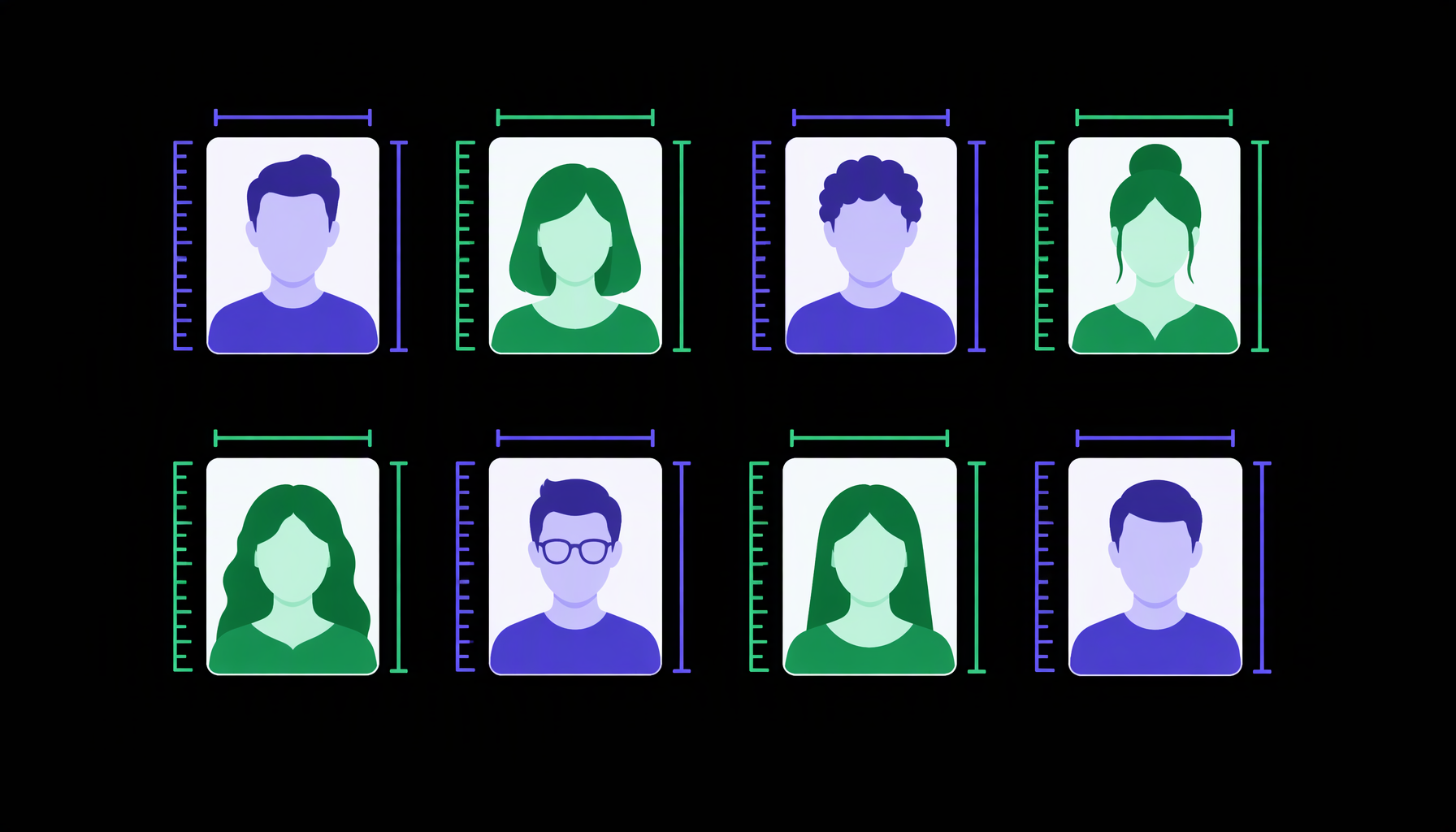
Complete 2025 reference table of passport, visa, and ID photo sizes by country — including dimensions, background color, and head positioning rules.