How to Remove a Background from Any Image Without Photoshop (2025)
Step-by-step guide to removing image backgrounds in 2025 — without Photoshop, without uploading your photos, and without paying a cent.
Green-screen (chroma key) compositing is the technique behind virtually every weather forecast, movie effects shot, and YouTube thumbnail with a subject floating over a custom background. The trick is to start with a clean cutout on a uniform green that your video editor's chroma-key filter can drop out cleanly. VanishBG makes this trivial: drop your photo, the AI removes the original background, and you can composite the subject onto chroma green (#00B140, the broadcast standard) or neon green (#00FF00, popular for thumbnail work) with one click. Unlike a physical green-screen shoot, you don't need studio lighting, a green backdrop, or careful subject-to-background separation — the AI handles the segmentation pixel-perfectly even on messy real-world backgrounds. Export at YouTube thumbnail dimensions (1280×720), Shorts cover (1080×1920), or any custom size, then drop the file into Premiere, DaVinci Resolve, Final Cut, or CapCut and apply the chroma key. Because everything happens in your browser, your unreleased video stills never leave your device — important when you're working on embargoed content. The whole pipeline is free, with no watermark and no sign-up.
Chroma green works best when the green is perfectly uniform and the subject edges are crisp — exactly what this tool produces. The AI cutout preserves hair, fur, and semi-transparent details far better than a manual lasso in a video editor, which means your chroma-key filter has clean edges to bite into and you won't see green fringing around the subject. For thumbnail work, many creators prefer neon green (#00FF00) because it reads as an intentional design choice even when the background stays visible. You can also pick a custom color if your project needs a specific brand background baked in. All exports keep full resolution — no automatic downscaling — so the composite drops straight into your 4K timeline without quality loss. If you're producing a series of videos, keep the tab open: the model stays cached and each new still processes in seconds, with nothing ever uploaded to a server.
Drag and drop a PNG, JPG, or WebP file onto the dropzone above. You can also paste from clipboard (Ctrl/Cmd+V), use the file picker, or take a photo on mobile.
VanishBG runs the AI segmentation model entirely in your browser. The first run downloads the model (30–60 s); after that, every cutout is instant and works offline.
Choose transparent, pure white, chroma green, neon green, or a custom color. Then pick an export preset — Instagram, YouTube, LinkedIn, Pinterest, or custom dimensions.
Export as PNG, JPG, or WebP. The filename follows the pattern vanishbg-{preset}-{w}x{h}.{ext}. On mobile, use the Share button to send directly to another app.
Built different — and built private.
No sign-up, no credits, no per-image limit. Every export — including full-resolution PNG — is unrestricted.
Images never leave your browser. The AI model runs locally via WebAssembly + WebGL. No uploads, no servers, no API.
Instagram post/portrait/story, Facebook post/cover, X post/header, YouTube thumbnail/shorts/banner, LinkedIn, Pinterest, WhatsApp — and custom W×H.
One tool covers every background need — marketplace white, chroma green for video, transparent for design, or any custom color.
Once the model is cached, VanishBG keeps working on flaky connections. Server-based tools fail when their queue is busy — we don't have a queue.
Full UI and content translation across English, Spanish, Portuguese, Hindi, Indonesian, German, French, and Japanese.
Touch-first editor, bottom-sheet panels, sticky Download bar. Tested on real mid-range Android and iOS Safari.
Keyboard-operable editor, aria-live status, focus-visible, WCAG AA contrast in both light and dark themes.
Amazon, Shopify, eBay, and Etsy all require pure-white main images. VanishBG produces compliant #FFFFFF backgrounds in seconds, with no upload of your unreleased inventory.
Cut yourself out and place on the required white background. Use Custom preset for your country's exact pixel dimensions.
Square cutouts for Instagram, WhatsApp, and LinkedIn profile photos. 500×500 and 1200×1200 presets ship free.
Composite yourself onto chroma green for YouTube thumbnails, Shorts covers, and video composites. No physical green screen needed.
Logos, stickers, overlays, Discord badges, Twitch panels — clean alpha-channel PNGs that float over any background.
Cut a chart, photo, or diagram out of its background and drop it cleanly into a slide deck without color clash.
Built for YouTubers, video editors, streamers, and thumbnail designers who need clean chroma-key-ready cutouts.
Switch tools without losing your image
Background-removal guides, photo tips, and privacy explainers — no fluff.
Step-by-step guide to removing image backgrounds in 2025 — without Photoshop, without uploading your photos, and without paying a cent.
Amazon's main image rules explained — pure white background, minimum dimensions, no watermarks — and how to produce compliant photos in seconds.
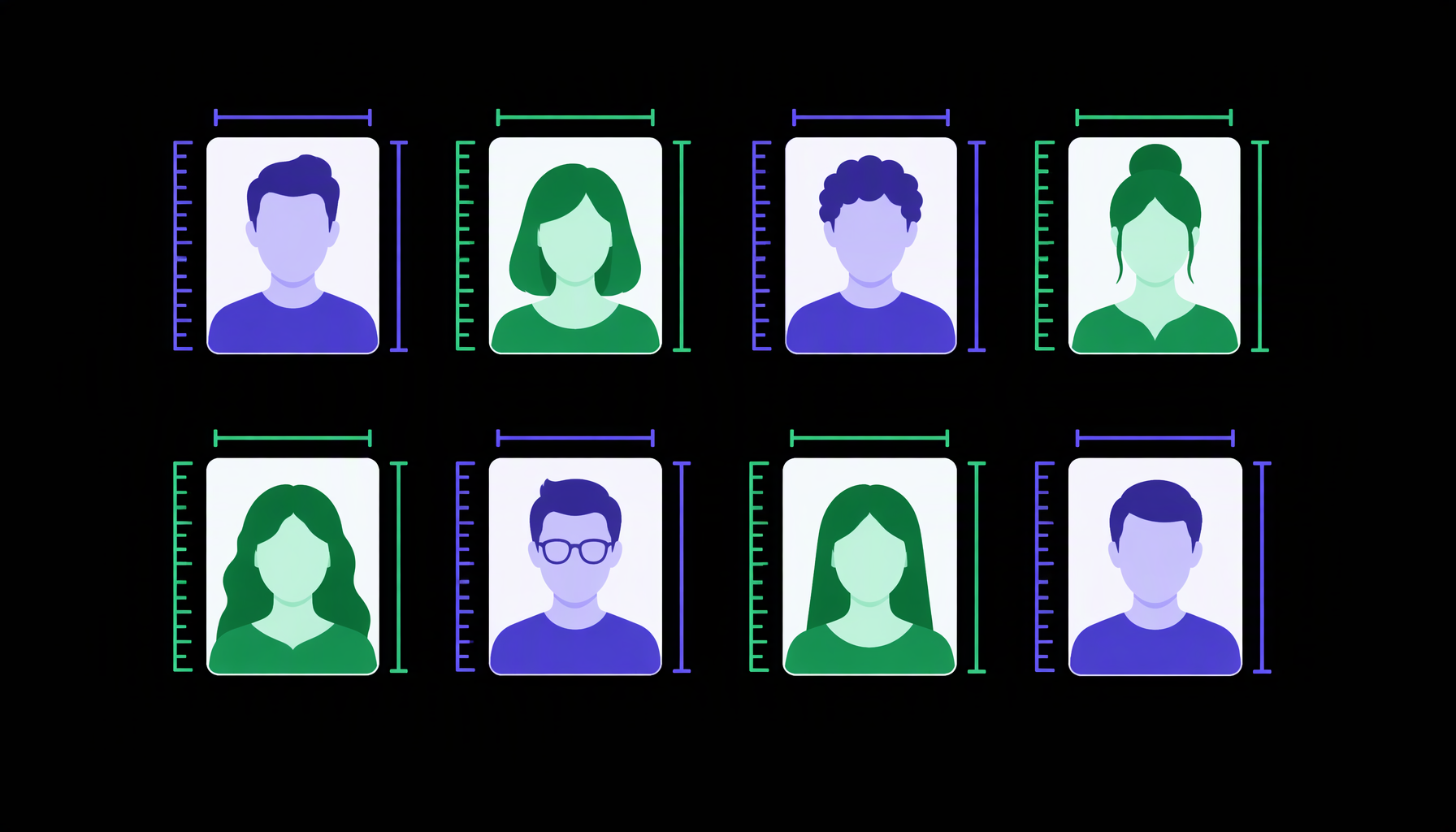
Complete 2025 reference table of passport, visa, and ID photo sizes by country — including dimensions, background color, and head positioning rules.